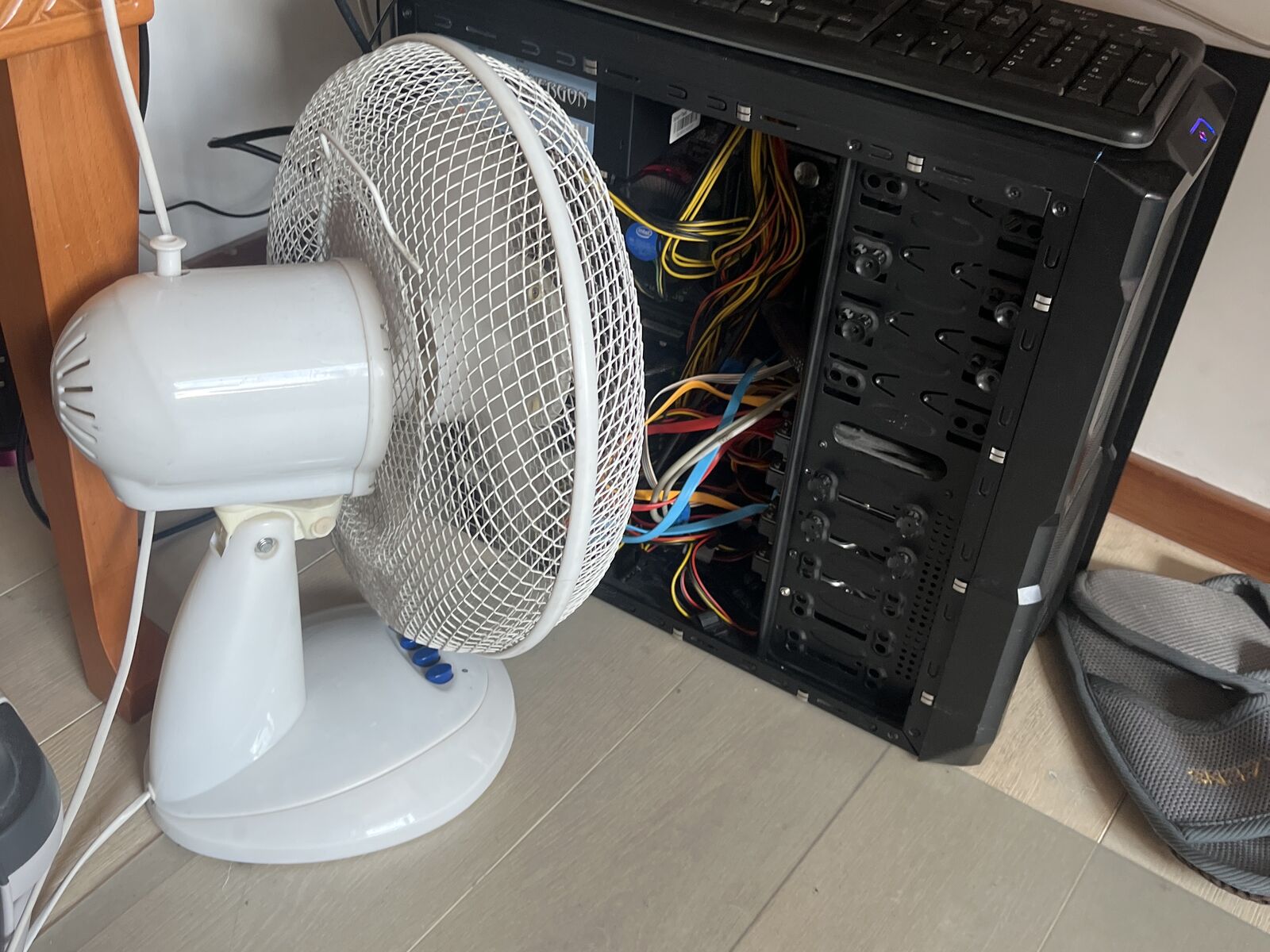
The PC that died
Our old PC had been retired for a while. We kept it running as a Windows machine with all my hard drives inside. There was always some issue getting to them from my Mac, which was annoying. Then it stopped booting, and all those disks full of data were just sitting there with no way to get to them.
After some time grieving, I opened it up and tested it piece by piece: power supply, RAM, graphics card, front panel cables. Everything checked out except the motherboard and the processor.
I already knew what I wanted instead. My films on Jellyfin, my photos in Immich, my documents in Paperless, and somewhere for the files that don't fit on my laptop. And as a personal rule, I don't do subscriptions. The only one we have is a shared Netflix.
you can download more RAM. sadly not a motherboard.Used parts for the win
My rules:
- Reuse as much as I can. RAM, an SSD for the system, a drawer of old hard drives and SSDs.
- Don’t overpay. An older Intel Core i5 is more than enough for a home server, and they’re cheap.
- At least 6 SATA ports. I have a lot of drives.
- Intel Quick Sync, so the processor can handle video without a graphics card.
- One seller. No meeting strangers in car parks.
I spent about €100 on eBay for a used motherboard, processor and RAM. The old gaming graphics card stayed out. Too power hungry for something that’s on all the time.
Picking the system
As a Linux noob, I asked a developer coworker who I knew was into homelabbing. He mentioned a few options: OpenMediaVault, TrueNAS, Proxmox. I looked into them briefly, but when he mentioned Unraid, it checked all the boxes.
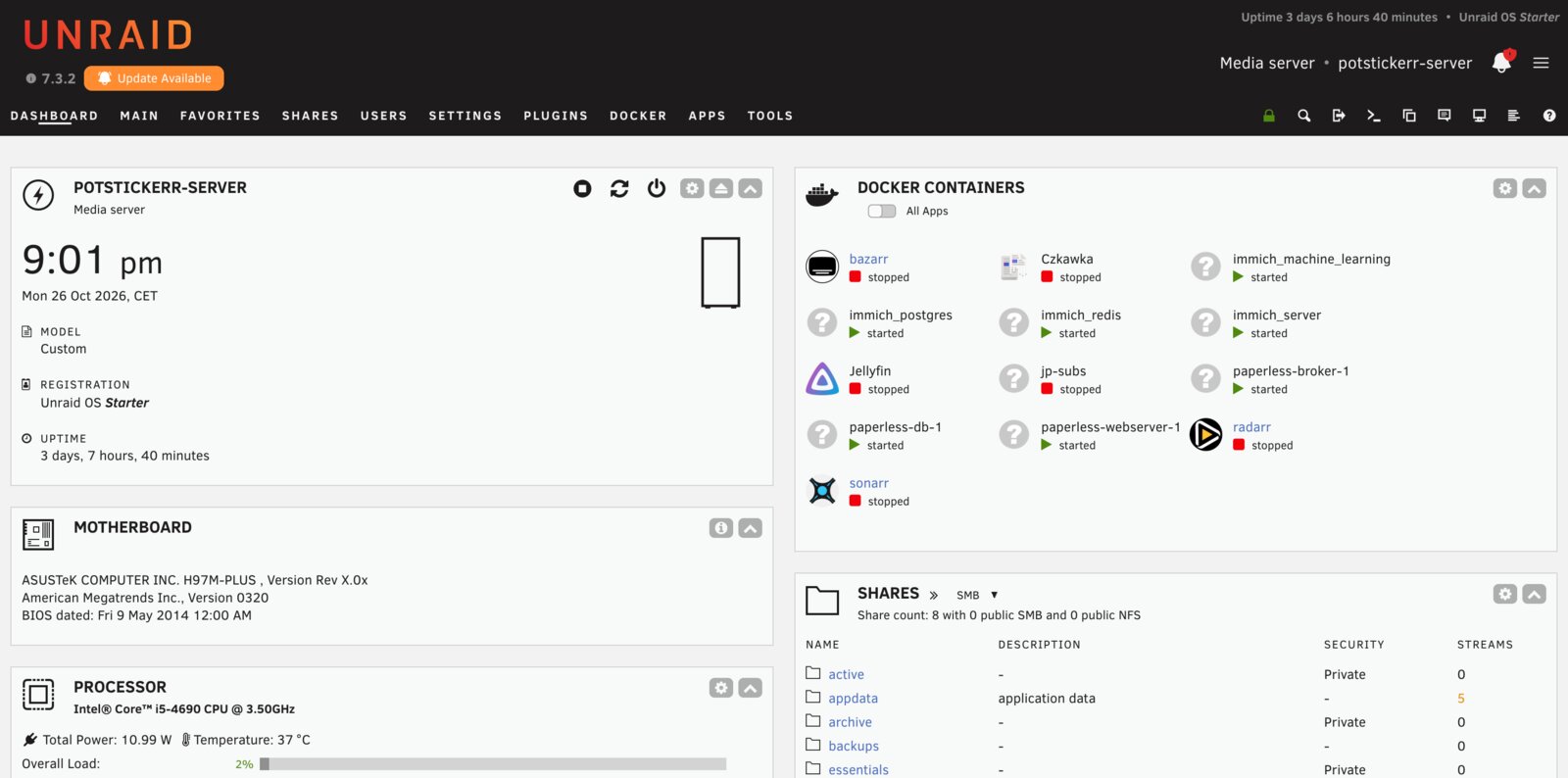
I wanted to use the disks I already had, all different sizes, and Unraid is built for exactly that. The others mostly want matching drives, or need extra add-ons to handle mixed ones. I tried the 30-day trial, then bought a licence.
Cleaning up first
Before sorting anything, I cleaned up. I went through folders inside folders in the terminal, renamed the oddly named ones and removed duplicate files with Czkawka.
Sorting my life by how much I’d cry if I lost it
I’ve lived on a computer since I was 14, and as a former photographer and videographer I have a lot of raw photos and footage I like to keep. That’s a lot of data, and not all of it is equally important. Storage is crazy expensive right now, and I wasn’t going to spend close to €1,000 on bigger disks just to protect everything the same way.
So I didn’t sort my folders by topic. I sorted them by how bad it would be to lose them.
Once the structure was right, the backup plan was obvious.
information architecture, but for hard drivesProven right, almost immediately. Halfway through, my external backup drive died. I lost some of the archive, and I wasn't even upset, because I had already decided that part was replaceable. Everything important was safe.
the backup needed a backupWhat runs on it now
- Jellyfin for films and shows, with Sonarr and Radarr keeping it tidy.
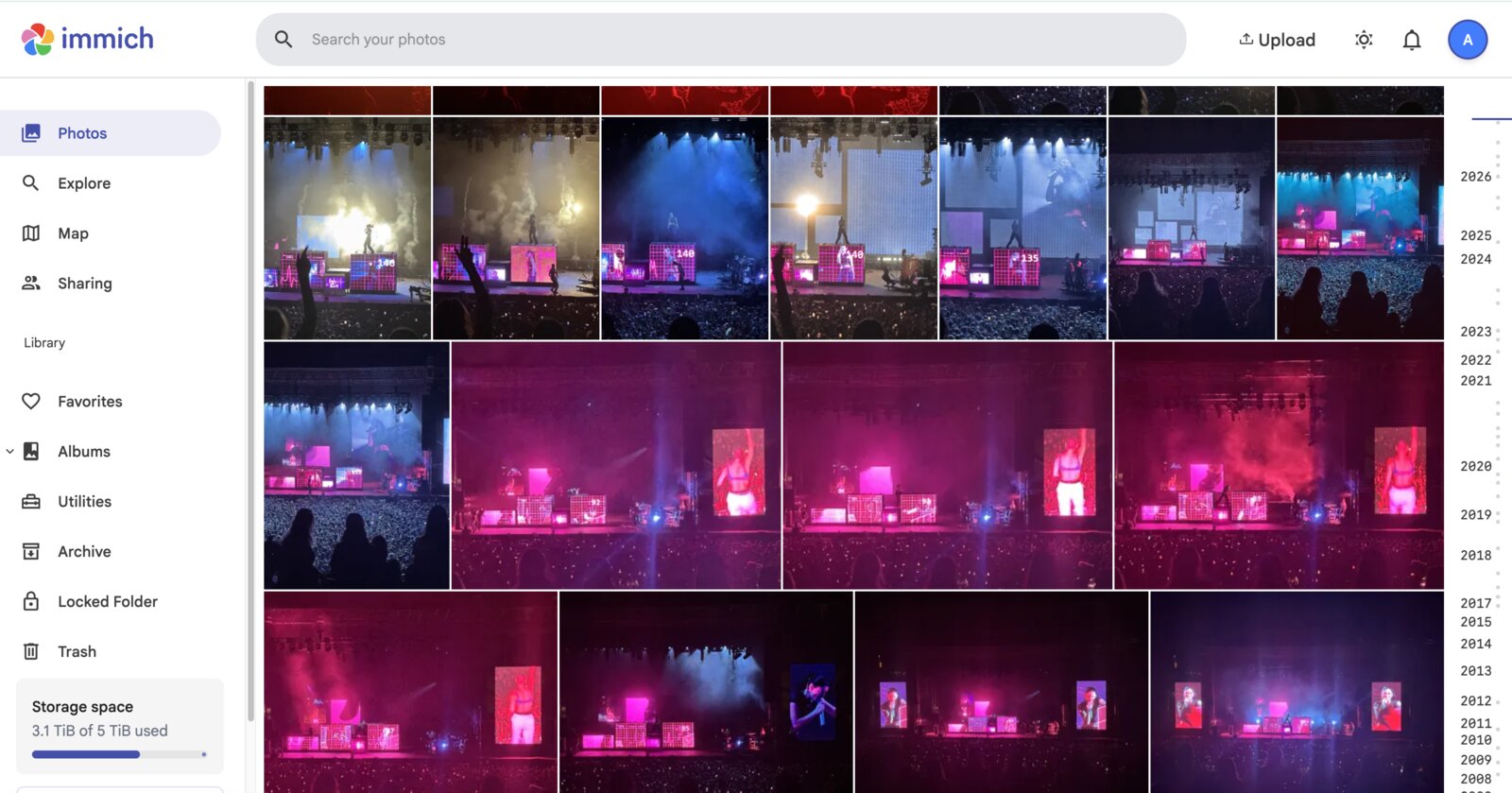
- Immich for photos.
- Paperless for documents. I scan on my phone and it files itself by category and year.
- Tailscale, so I can reach all of it from my phone, anywhere.
- Automatic backups. When I plug in the backup drive, it copies everything important by itself and messages me when it’s done. The new 16 TB disk keeps a copy too.
How I used Claude
Without Claude I would have spent countless hours reading documentation and watching tutorials. I asked it to explain everything in plain language, so I actually understood what I was doing.
At first I didn’t connect it to the server at all. I asked how things should be set up and why, and did every step myself. Once I was comfortable with the setup, I gave it access so it could make changes too.
I also set Claude up to keep its own notes about the server, updated automatically after every change, so we always know what the latest setup is.
What’s next
- An ad blocker for the whole home network.
- A local voice assistant with Home Assistant.
After the initial setup, it's much simpler than figuring out file sharing permissions between two operating systems ever was. And 100% worth it.
Windows file sharing permissions. not even once.I wish I'd done this years ago. Turns out a dead motherboard was the best thing that ever happened to my files.